Dozyface

A clock that's ready for bed.

Turn the iPhone on your nightstand into a beautiful bedside clock: big and clear by day, dim and deep red at bedtime.

Free for iPhone. No account, no ads, no tracking.

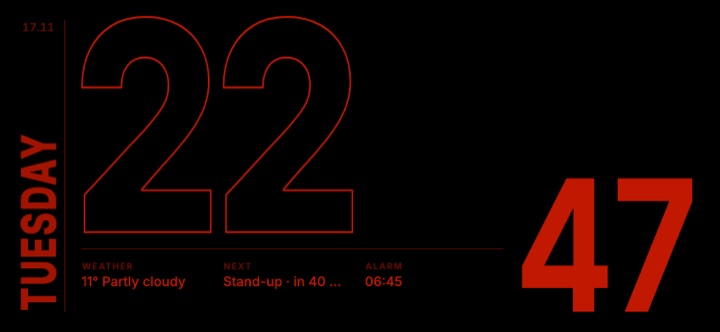
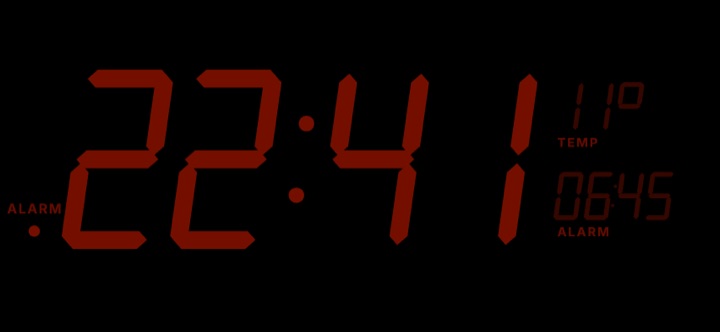
Dozyface by day: the Split Flap face showing 10:09 on dark flap cards, with the weather and next alarm on a row of small flaps. Dozyface at night: the Split Flap face showing 22:47 in dim red digits, without the cards.

Why Dozyface

A nightstand object, not a utility

Put your iPhone on the charger, open Dozyface, and it stays on as a clock all night. Here is what it does. Real screenshots from the app.

Night settings: night mode Off, Auto or On, follow sunset and sunrise, bedtime 22:30 and wake 06:30.
Night mode

Goes dim and red at bedtime

At night the whole clock settles into a dim, deep red with no blue or white light. It switches on at your bedtime, or from sunset to sunrise, and you can switch it yourself any time.

  • Dims after a while without a touch; any tap wakes it. Set how dim, with a live preview of normal, dimmed and dimmed at night.
  • Every face is drawn on true black, with gentle burn-in protection.
The face gallery: a search field, chips for All, Favorites, In rotation and each style, and the Scripts & Numerals section (20 faces) with Hanzi, Devanagari and Mashriq thumbnails, each with a heart for favorites.
Faces

132 faces in eleven styles

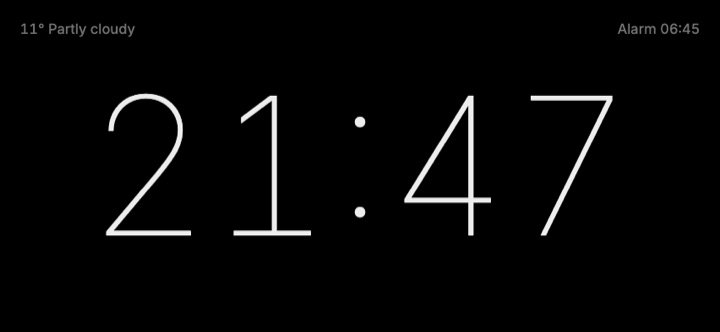
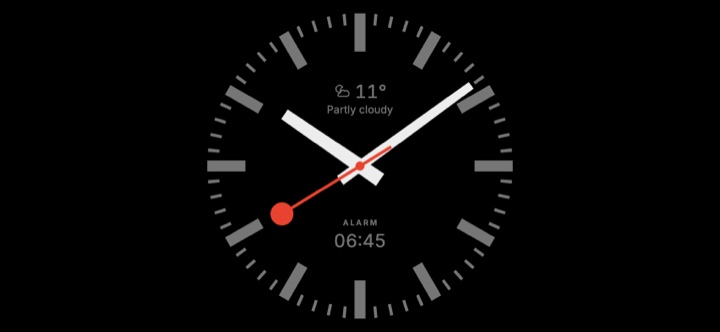
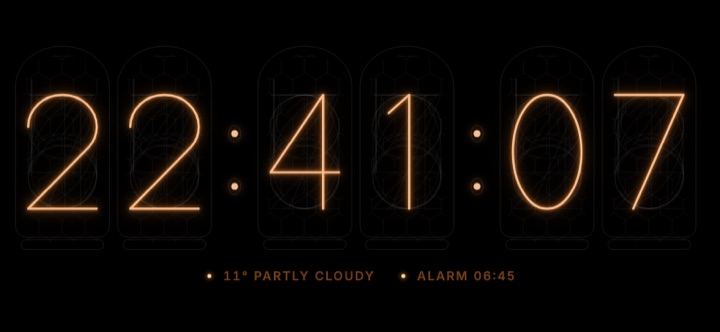
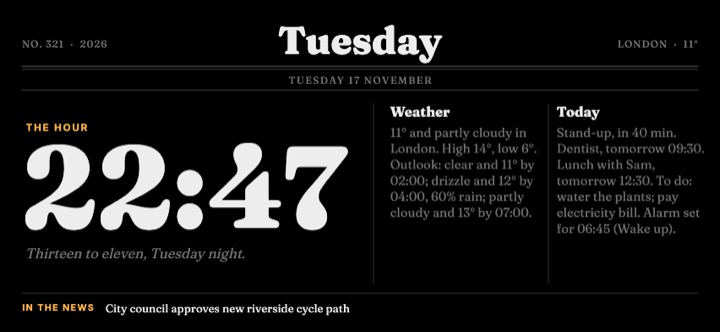
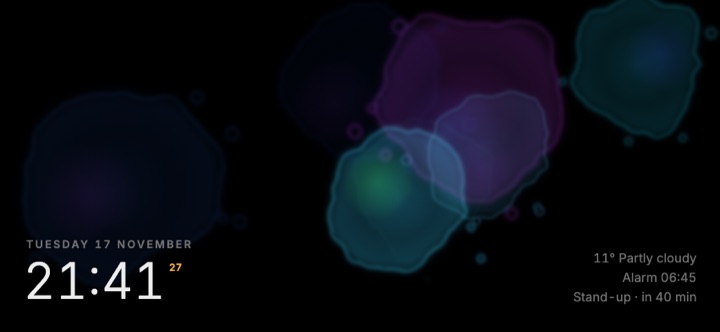
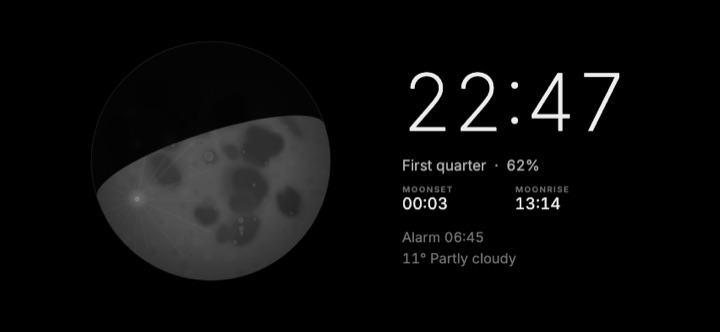
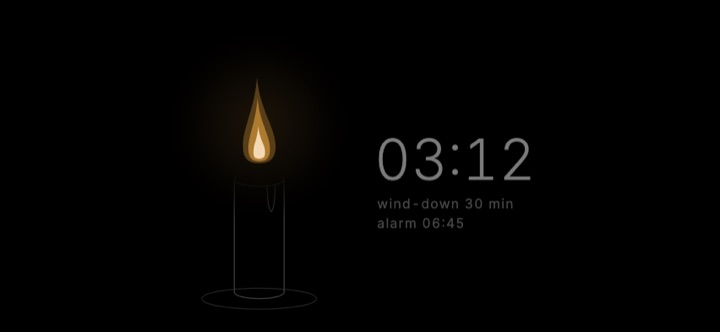
Minimal digital, classic analog, retro flip, LED and glowing tubes, typography, slow generative art, sun and moon, a morning dashboard, playful faces, candle-dim ambient faces, world time, and the world’s writing systems.

Pick one, or let Dozyface rotate through all of them, just your favorites, or a set you choose, so your nightstand never looks the same twice. Like the face on screen? Tap the heart on the clock to add it to your favorites.

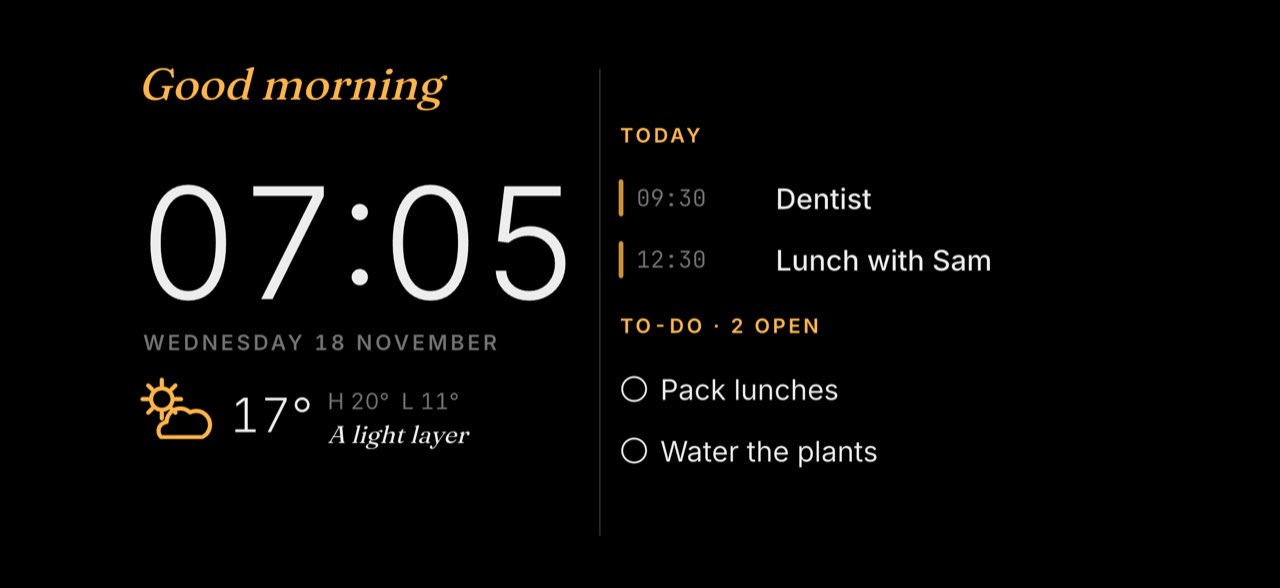
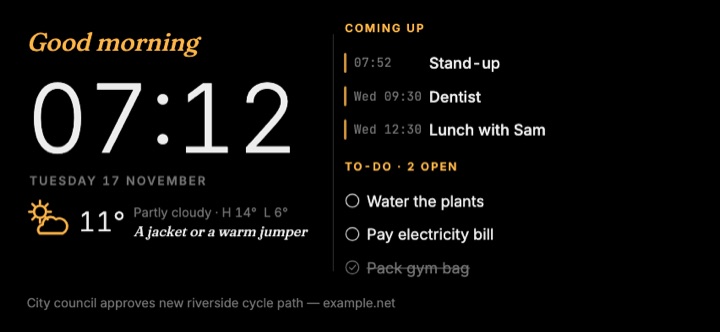
The Morning Brief face: Good morning, 07:05, 17 degrees and a light layer, two events today and two open to-dos.
Sample events and to-dos.
All optional

Your morning at a glance

Weather for your approximate location or a place you choose (in °F or °C, set from your region until you pick), your next calendar event, and today's reminders or to-dos. Calendar, reminders and to-dos are read on your iPhone and never uploaded.

A few news headlines are available too, if you turn them on. They are off by default.

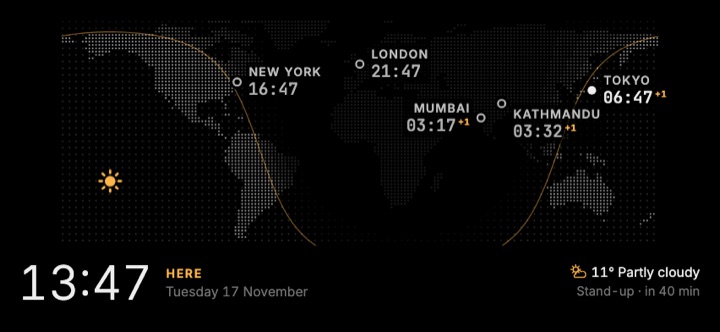
The Day/Night Map face: a dotted world map with the line between day and night and the time in several cities.
World time

Clocks for the people you care about

Add the cities you keep in mind and see their time on world-time faces, with the line between day and night drawn across the map.

The Hanzi face showing 十点零九分 (ten o’clock, nine minutes) in Chinese numerals, with the decoder line “10:09 · Chinese numerals” revealed underneath after a tap.
After a tap, the time also appears in familiar digits.
New style

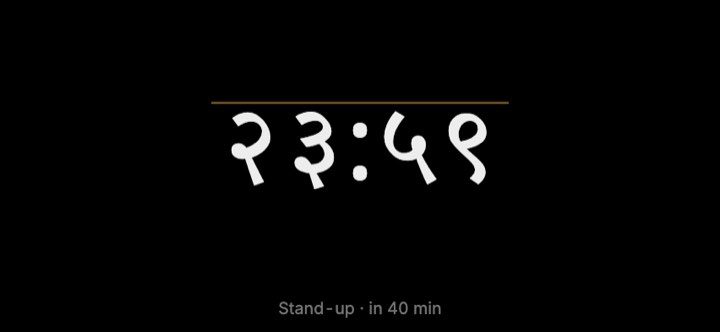
Scripts & Numerals

Twenty faces that tell the time in the world’s writing systems, from Hindi, Arabic, Chinese, Korean and Amharic to Maya bars, Babylonian wedges and Braille cells. Tap any of them to see the time in familiar digits.

We built these with care, but we are not linguists. If a script or numeral looks wrong to you, please tell us.

The Morning Brief face on a portrait iPhone in a custom violet accent, showing 07:05, 63 degrees Fahrenheit, two events and two to-dos, with the control bar and its heart below.
Make it yours

Your color, your text size

Choose a preset accent or any color you like; Dozyface keeps it readable on black and recolors the whole app with it. Night mode stays red.

Settings and menus have their own text size (Standard, Large or Extra large) on top of the iPhone’s own text size, and the controls rearrange to fit.

Dozyface alarms: 06:45 Wake up on weekdays and 08:30 Swim on Saturday, both switched on.
iOS 26 or later

Its own alarms

Set alarms in Dozyface with Apple's AlarmKit. They ring even in Silent mode, and the next one shows on the clock.

Alarms need iOS 26 or later. Dozyface cannot read or change the alarms in Apple's Clock app.

The Your privacy screen: No account, no tracking; Calendar, reminders and alarms stay on this iPhone; and an I understand button.
Private by design

Private by design, and plain about it

No account, no sign-in, no ads, no analytics, no tracking. Calendar, reminders and alarms stay on your iPhone. Weather sends your location rounded to about 1 km to Open-Meteo, and a short status message comes from dozyface.com every few hours (you can turn it off).

Before it asks for any permission, Dozyface shows a short “Your privacy” screen that says exactly this. Every permission is optional and is asked for only when you switch its feature on. Full privacy policy.

  • FreeNo in-app purchases, no subscriptions.
  • No accountOpen it and it is a clock.
  • No adsNothing on your nightstand but the time.
  • No trackingNo analytics in the app or on this website.

Editor's picks

A face for every mood

One face from each of the eleven styles, chosen by us. Dozyface has not launched yet and collects no usage data, so there are no popularity charts here: just faces we like.

Every face has a red night version

When night mode starts, the face you chose keeps its character and moves into dim, deep reds.

Ideas, not reports

Ways you could use it

A few ideas from us for where a Dozyface could live. They are suggestions, not things we have measured.

  • Idea

    Bedside

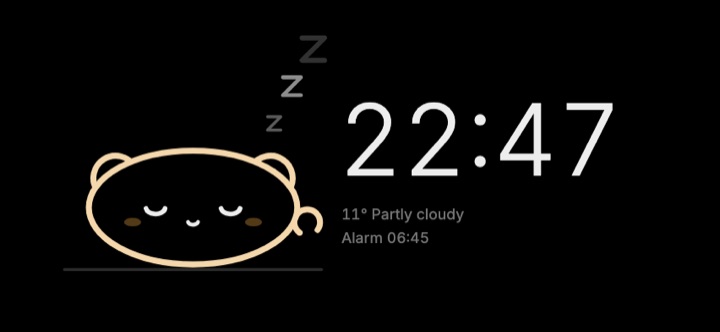
    On the charger next to your bed, with night mode at your bedtime and a calm face such as Candle or Bedside LED.

  • Idea

    Desk

    A big, quiet clock beside your monitor. Choose "Let the phone lock" if you only want it while you work.

  • Idea

    Kitchen

    Morning Brief on a stand by the kettle: the time, the weather and today's first event while you make breakfast.

  • Idea

    Travel

    A world-time face on the hotel nightstand, showing the time at home and where you are.

Ready for bed?

Dozyface is free on iPhone, with no account, no ads and no tracking. Leave it on the charger tonight.